A customer calls, Clara answers, and you ring them back an hour later. The number on their screen isn’t the one they dialed, so they don’t recognize it, and it goes to voicemail.
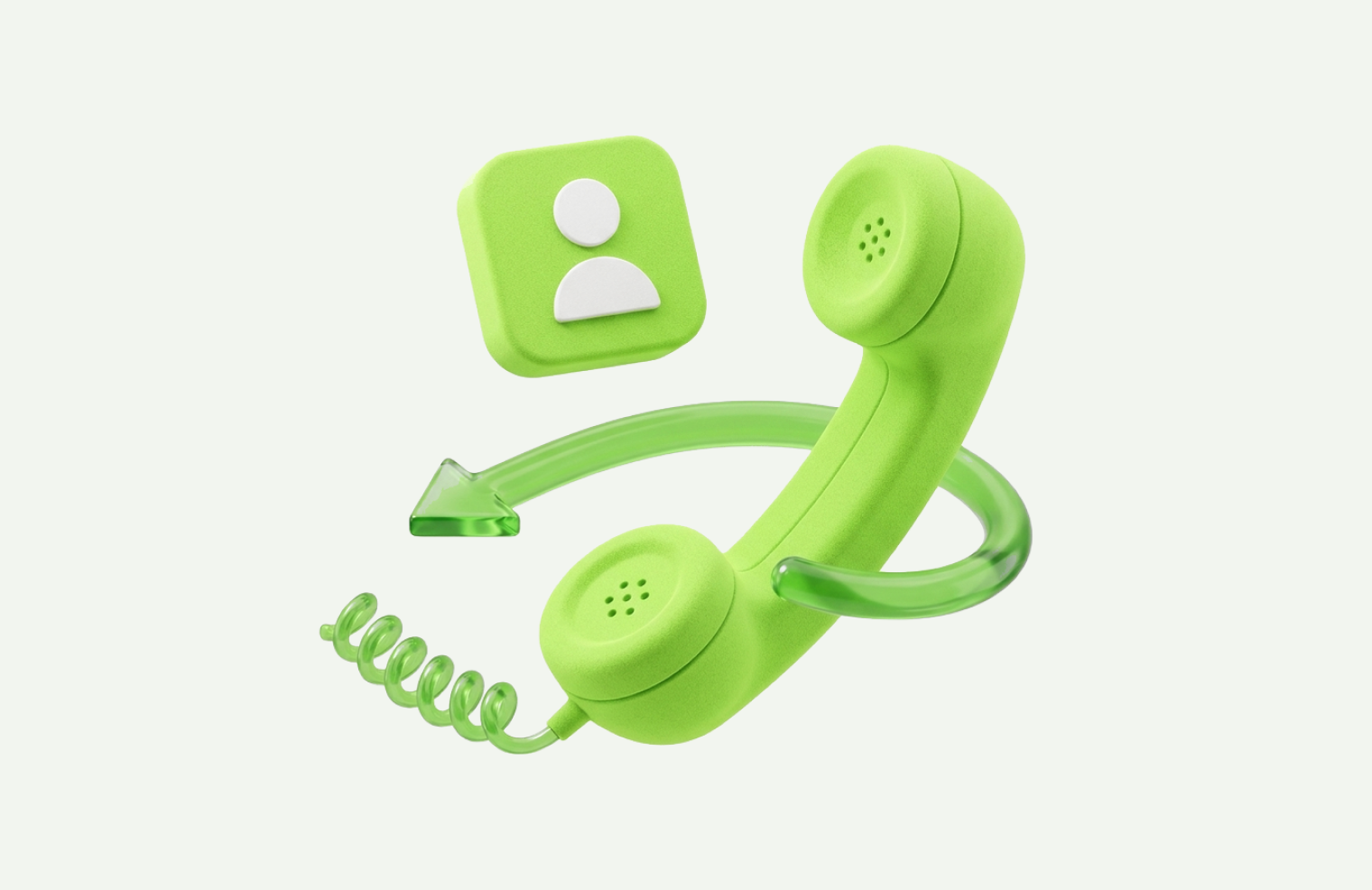
You can now decide which number they see. Caller ID lets you choose whether your outgoing calls show your own number or your Clara number.
The two options
Your Clara number. Customers see the same number every time, whether they call you or you call them. Callbacks come back to Clara, get answered, and get logged with everything else. It’s the option to pick if you want one number customers can save and rely on.
Your own number. Customers see the line you’re actually calling from and reach you directly when they ring back. Better if you’d rather keep certain conversations on your personal line.
There’s no right answer for every business, but there is a right answer for yours, and the point is that it’s now your call rather than a default.
Why it matters
Recognition is most of the battle on an outbound call. People don’t answer numbers they don’t know, and a callback from an unfamiliar number reads as a cold call even when it’s the plumber they rang this morning.
Showing one consistent number does two things: it makes people more likely to pick up, and it means the number saved in their phone is the number that reaches your business, next week and next year.
How to set it up
- Open the Clara app and go to the Business tab (bottom right)
- Tap Phone Setup
- Open Outgoing calls
- Tap Caller ID and choose the number you want customers to see
That’s it. The next call you make goes out with the number you picked, and you can change it whenever you like.
Caller ID is part of the Pro plan.
Product Updates is our series of short guides on what’s new in Clara and how to get the most out of it.