Call transfers
The calls that need you get through
Clara is an AI phone receptionist that answers everything else. When a call is urgent, or it's a regular asking for you, your phone rings while the caller is still on the line. Available on Clara Pro.
What is an AI call transfer?
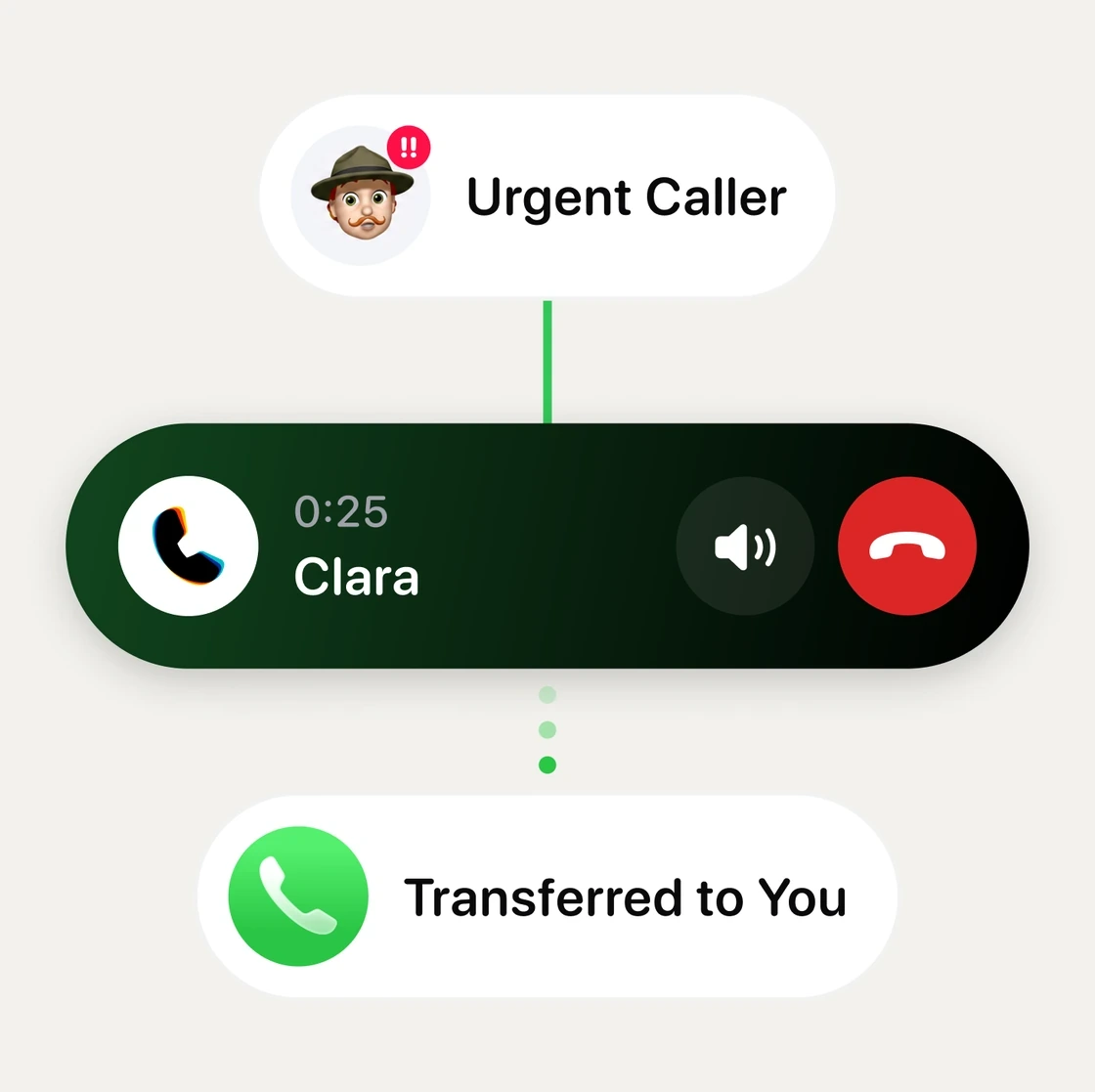
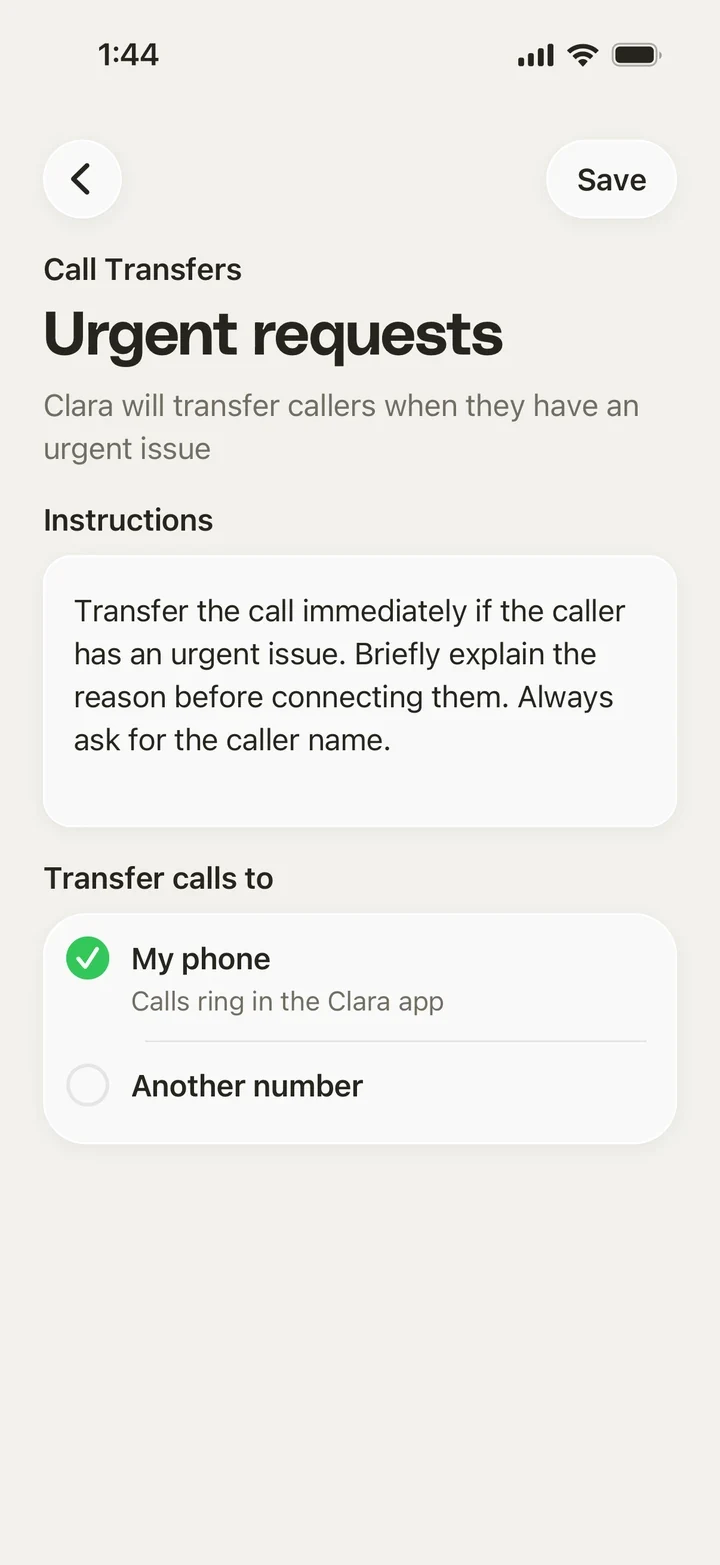
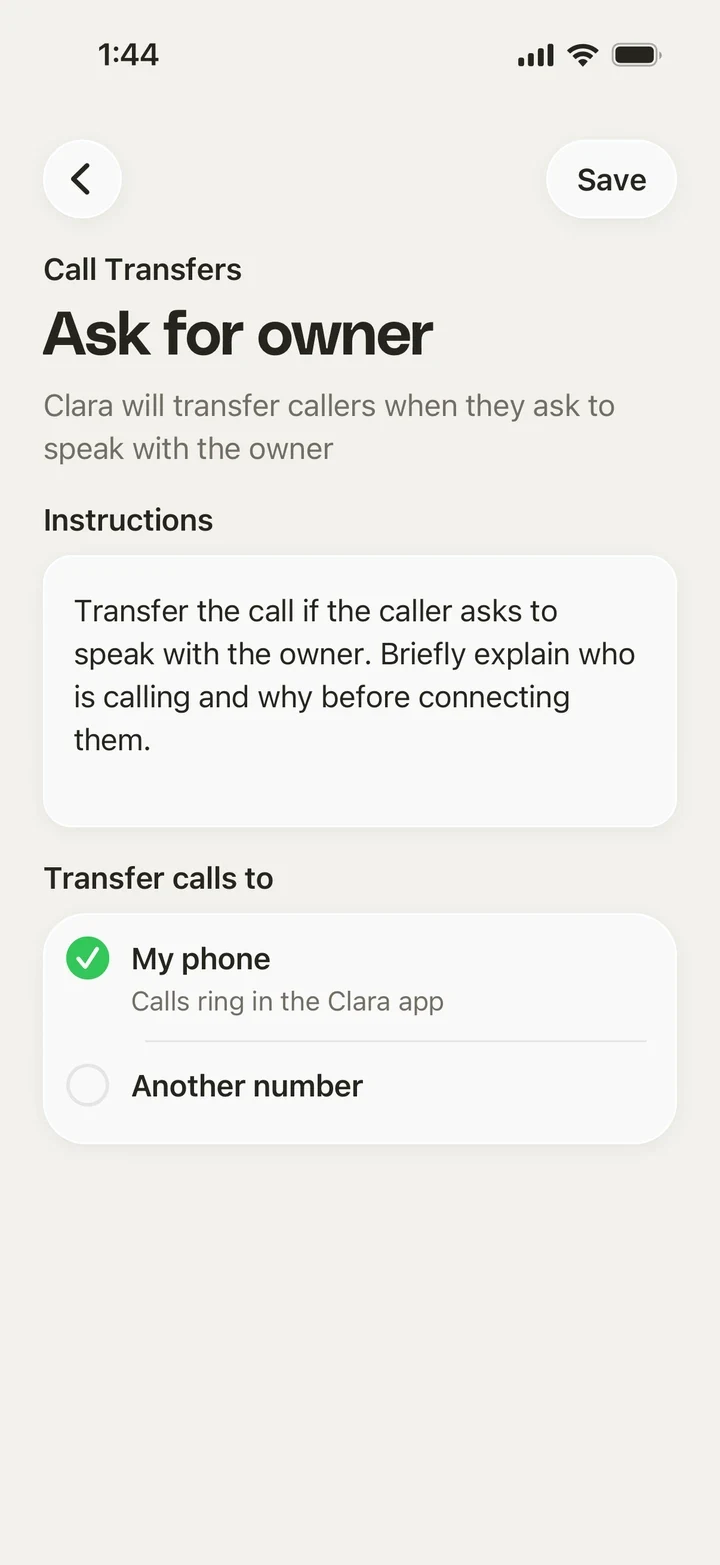
An AI call transfer is when the receptionist answering your phone passes a live caller to a real person instead of taking a message. Clara transfers on the rules you set: urgent jobs, regulars, or anyone asking for you by name.
A leak at four in the afternoon
Clara hears the words that matter, checks it's inside your hours, and calls you while the customer is still on the line. No message, no callback, no lost job.
From “I'll call you back” to “putting you through”
What a transfer changes for the person on the other end
Before Clara
- Urgent jobs sat in a voicemail until the evening
- Customers called the next number on the list
- You found out how bad it was far too late
- Your phone rings while the customer is still talking
- You hear the problem in their words, not a summary
- And if you can't pick up, Clara carries on without a gap
Decide which calls get through
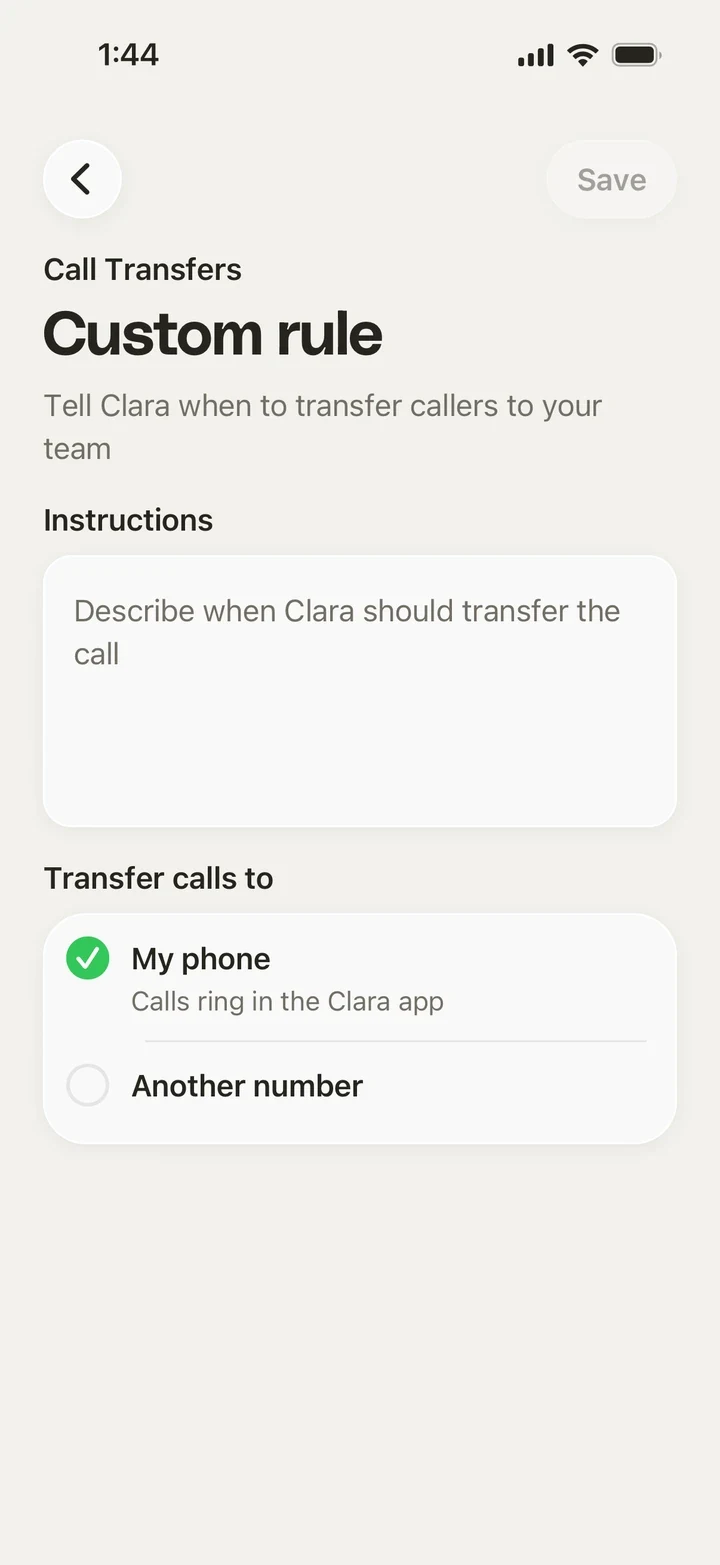
Privacy and consent
Transferring a live caller means handling their details
-

Callers know it's Clara
Clara opens with your business name and says it's your receptionist. No one is left guessing
-

You choose who gets the call
Transfers only ever go to the numbers you add. Clara never dials anyone else
-

Recording is optional
Turn recording off and Clara still takes the caller's details before transferring. You choose what gets kept
-

Delete it whenever
Remove a call or the whole history whenever you like, and it's gone
Works with the rest of Clara
Where transfers fit with everything else Clara does
Frequently asked questions
Get the app to stay on top of every call
 4.6 App Store 4.6 Play Store
Clara on your phone
Scan the QR code or download from a store: