AI summaries and follow-ups
Clara answers, writes it up, and tells you who to call back
Clara is an AI phone receptionist for small service businesses. Every call comes back as a few lines you can read at a glance, waiting before you put your tools down
What is a call summary?
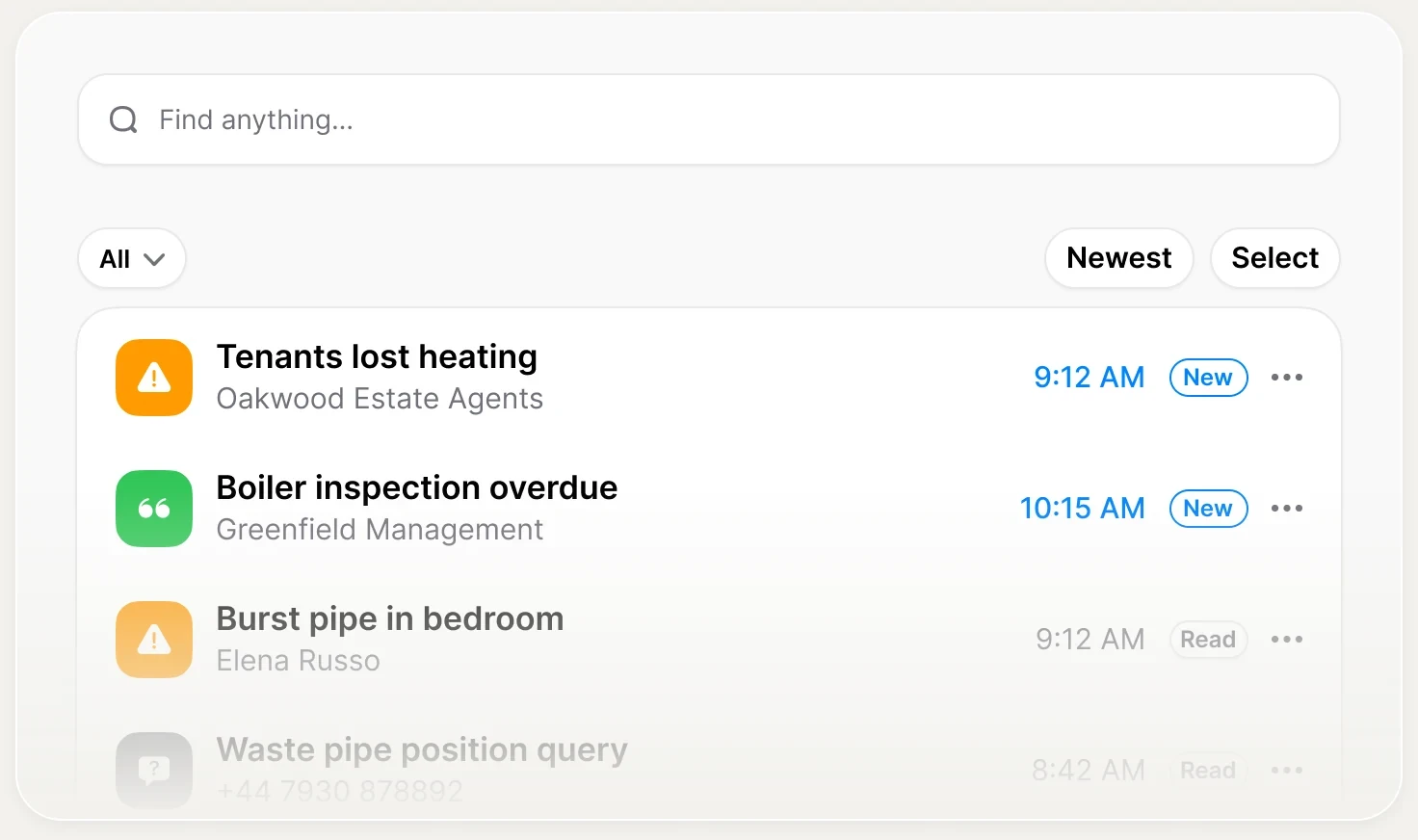
A call summary is a short write-up of a phone call: who called, what they need, and how urgent it is. Clara writes one for every call, including the ones you answer yourself, and puts it on your phone the moment the call ends.
The write-up
One or two lines in plain English. Who called, what they need, where they are.
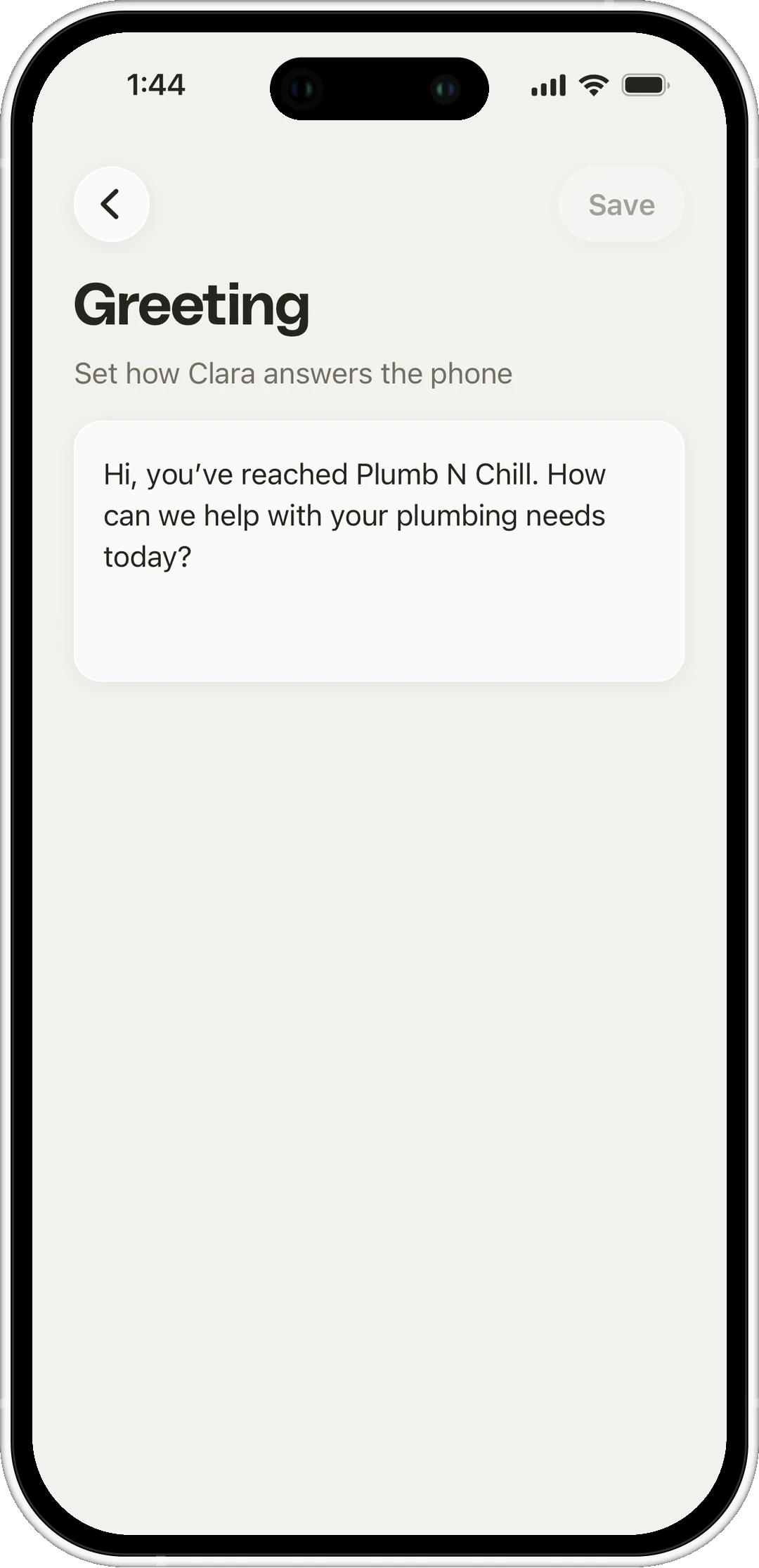
The priority
A tag on the card that tells you who to call back first.
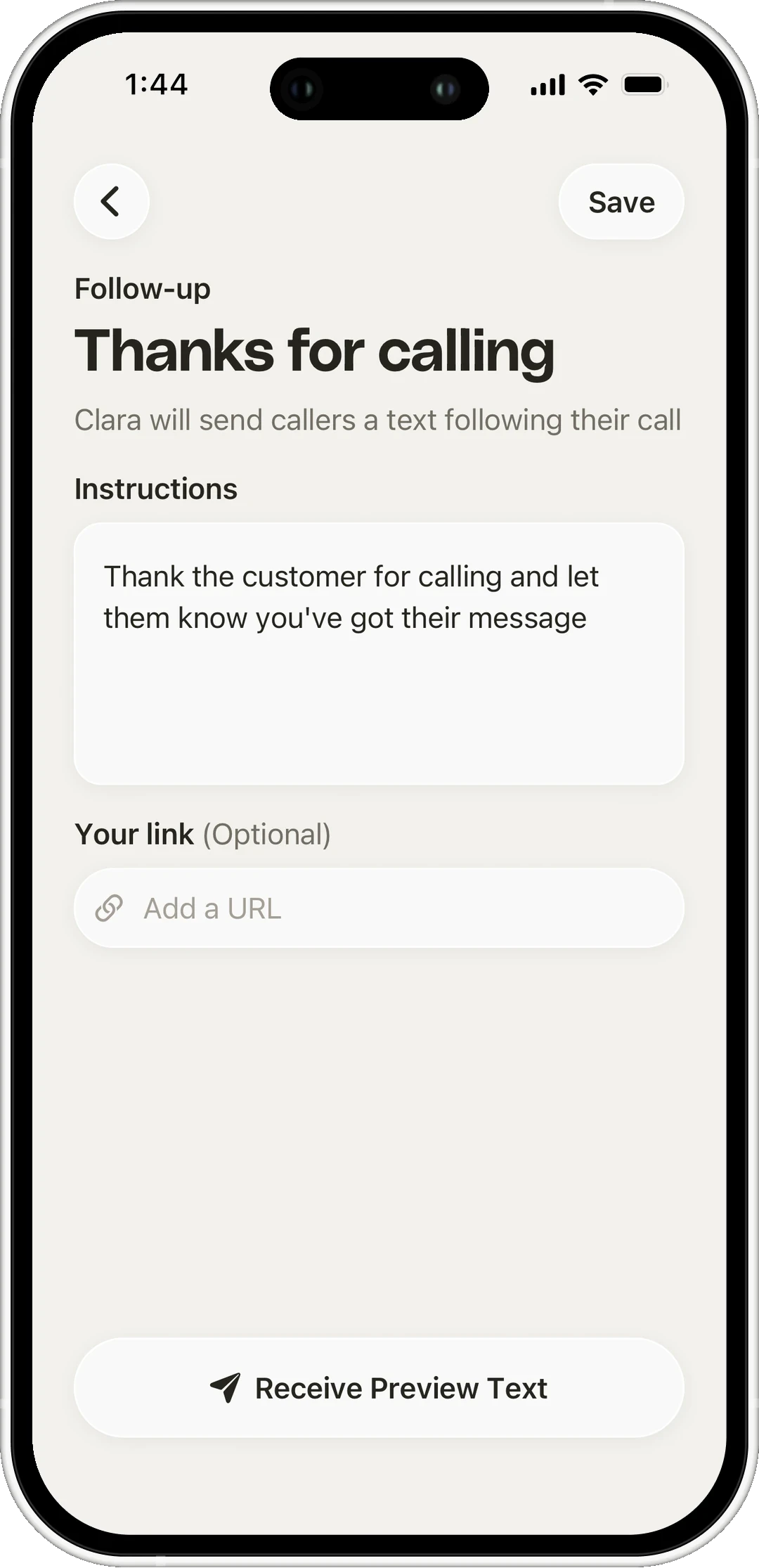
The follow-up
A text to the caller with the next step, if they said yes to one on the call. Available on Clara Pro.
The 60 seconds after a call
All of it happens while you're still holding a wrench
- 0:00 Caller hangs up The recording stops
- 0:05 The write-up appears Summary and caller details on a new card
- 0:08 Priority is tagged Clara marks what cannot wait
- 0:40 The text goes out Only if the caller agreed to one on the call
- Later You read it Ten seconds between jobs, not a voicemail replay
From audio to summary
The same call, twice. What the caller said on the left, what you actually need on the right

Thanks for calling Ridgeline Plumbing. How can I help?
Hi, yeah, we've got water coming out from under the kitchen sink. It's going everywhere.
Okay, let's get that stopped first. Do you know where your main shut-off valve is?
Um, I think there's one in the garage?
That's usually where it is. Turn it clockwise until it stops. That'll cut the water while we get someone out to you.
Hang on. Okay, yeah, that's done it. It's slowing right down.
Perfect. I'll get a plumber out to you tonight. Can I take your name and the address?
It's Dave Whitfield, fourteen Bell Court.
Thanks Dave. And is the water still just in the kitchen?
Yeah, just the kitchen. A bit got onto the hallway carpet but that's about it.
Got it. I've noted that for the plumber so he brings the right kit. You'll get a text when he's on his way.
That's great. Thank you.
You're welcome, Dave. Sit tight, someone will be with you shortly.
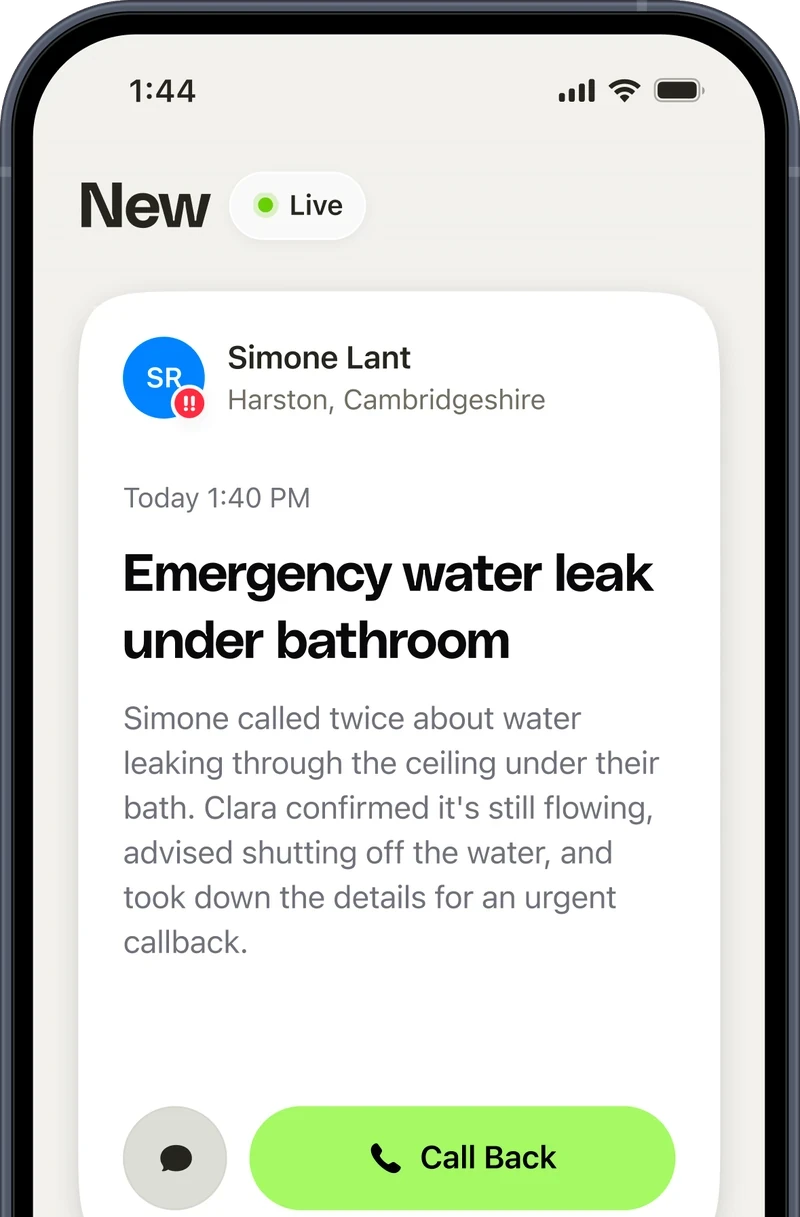
Know which call needs you first
Clara flags what's urgent, so you don't have to read the inbox in order
Priority
Someone with a real job, or a problem that can't wait. These sit at the top of your inbox
Normal
A question, a quote, a booking. Worth a call back, but not this minute
Junk
Sales calls and robocalls. Clara takes the details and keeps them out of your way
The follow-up goes out with permission
Clara asks the caller for permission on the call. No yes, no text
- Caller Yeah, tomorrow morning would work.
- Clara I can send you a text with the booking link. Is it OK to send a text to the number you're calling from?
- Caller Yeah, that's fine.
- Clara Great, that's on its way. Thanks for calling.
- Caller Yeah, that's fine.
- Clara Great, that's on its way. Thanks for calling.
- Caller Will you keep sending me reminders?
- Clara No, that's the only text you'll get about this call.
- Caller STOP
- Clara You're unsubscribed. I won't text this number again.
- Caller What if I want to book later?
- Clara Just call again. I still won't text you.
Every call written up, not just the missed ones
Clara records and summarizes every call, including the ones you pick up yourself, so the details survive even when you were the one on the line.

Every call
Answered, qualified and written up

Natural
A real conversation, never a phone menu

24/7
Evenings, weekends and holidays covered
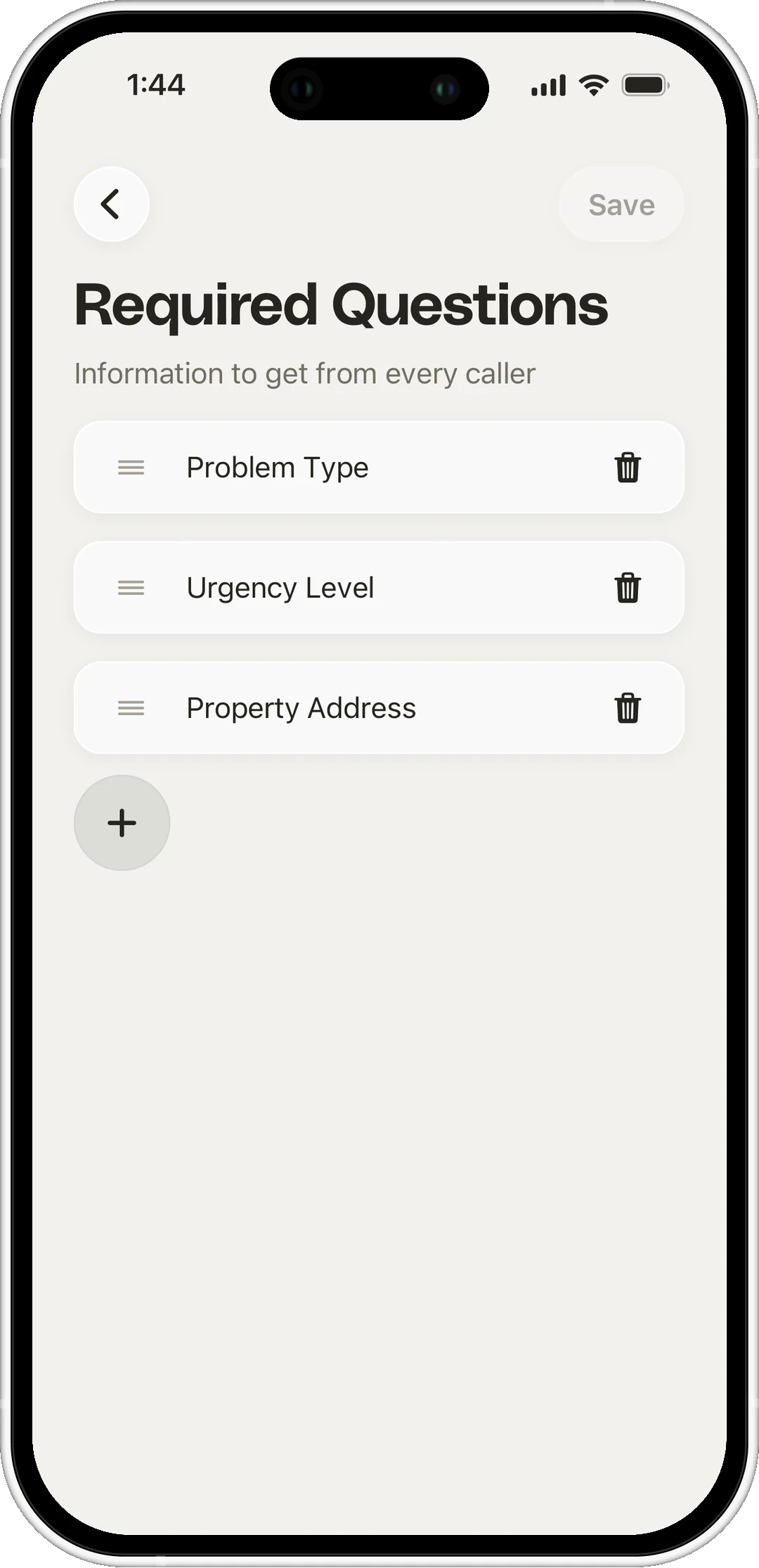
Works with the rest of Clara
Where the write-up fits with everything else Clara does
Frequently asked questions
Manage customer calls wherever the work takes you
 4.6 App Store 4.6 Play Store
Clara on your phone
Scan the QR code or download from a store: